
Back
Subscription creep explained: how to find, cancel and manage your subscriptions
What is your Netflix subscription really costing you? Are paid TV and streaming services like Binge, Disney+, Stan, Kayo or Spotify Premium causing you subscription creep? We’re here to help you audit, cancel, and automate your way to stress-free subscription management.
Why your subscriptions feel like they’re getting out of control
If it feels like money keeps disappearing on apps, streaming platforms and free trials, you’re not imagining it. Small recurring charges are easy to ignore on their own, but together they can quietly add up month after month, creating a noticeable dent in your bank balance and putting pressure on your budget.
This article will help you take back control by showing you how to find hidden subscriptions, decide what’s worth keeping, cancel what isn’t, and put simple systems in place so surprise charges stop catching you out. The goal is clarity, control and extra money in your budget.
What is subscription creep and why is it costing you money?
Subscription creep is when unused or forgotten subscriptions quietly build up across streaming services, apps and digital memberships. These small monthly fees are easy to miss, but together they can drain your budget faster than expected.
From streaming platforms and music subscriptions to fitness apps, cloud storage and free trials that roll into paid plans, costs add up quickly. Deloitte reports Aussies spend an average of $936 per year on digital subscriptions, often without realising how much is leaving their account each month.
The good news is that managing subscriptions is simple. A quick audit and a few smart habits can stop subscription creep in its tracks and redirect that money to your emergency savings, holiday fund or cost-of-living buffer.
How do I find all my subscriptions like Netflix, Disney+, Canva & YouTube Premium?
You can find all your active subscriptions by reviewing where recurring payments leave your accounts. Checking just one place is not enough, as subscriptions can be linked to different cards, apps and websites.
To get a complete picture, check the following:
- Bank statements and credit card statements for recurring charges and direct debits
- Apple App Store and Google Play subscriptions linked to your app store accounts
- PayPal and other digital wallets
- Emails for renewal notices, receipts or free trial confirmations
- Buy Now Pay Later accounts and subscription delivery services like Amazon’s Subscribe & Save
Streaming services, gyms, fitness apps, cloud storage like iCloud, Google Drive, Dropbox or OneDrive, music streaming services, digital media subscriptions and forgotten free trials often hide here. Make sure you look back slightly beyond a full 12 months of activity to capture annual charges that may only appear once a year.
What is the best way to audit your subscriptions and track what you're paying for?
The best way to audit your subscriptions is to list every recurring payment, how much it costs, how often it renews and whether you still use it. This turns digital overwhelm into something you can actually control.
Follow this simple subscription audit process:
- Write down every subscription, app or service you find
- Record the monthly or annual cost and renewal date
- Ask yourself:
- Am I using this subscription regularly?
- Does it add value or is it habit or choice paralysis?
- Could I use a family plan or share the cost?
- Is there a cheaper plan, basic plan or free alternative?
- Would I notice if it was gone?
- Cancel or pause anything you are not using
- Keep only the subscriptions that genuinely support your lifestyle
In our home, we follow a one-streaming-service-at-a-time rule. We rotate platforms like Netflix, Disney+, Paramount+ or Binge depending on what we are actually watching. It keeps entertainment intentional and stops unnecessary monthly fees.
Pro tip: Friends can each subscribe to a different streaming service and rotate movie nights or series binges. It keeps costs down without missing out on content.
Cancel or downgrade unwanted subscriptions to save money
Cancel unwanted subscriptions directly through your account settings. Deleting an app does not cancel the subscription, and many services rely on users not realising this.
Check cancellations in:
- Apple: Settings, your name, Subscriptions
- Android: Google Play Store, Profile, Payments and Subscriptions
- The service provider’s website under Account, Billing or Customer Service
Some subscription models make cancelling intentionally difficult. Push past guilt-driven pop-ups and discount offers designed to keep you subscribed. Downgrading can also help. Ad-supported plans, basic plans or free versions of services like Spotify, YouTube or ABC iview can significantly reduce costs.

How a budget will help you manage subscriptions and avoid surprise charges
A personal budget helps you manage subscriptions by showing exactly where your money is going and which recurring charges are quietly reducing your cash flow. When subscriptions are tracked as part of your household budget, you can make informed decisions rather than reacting to surprise debits.
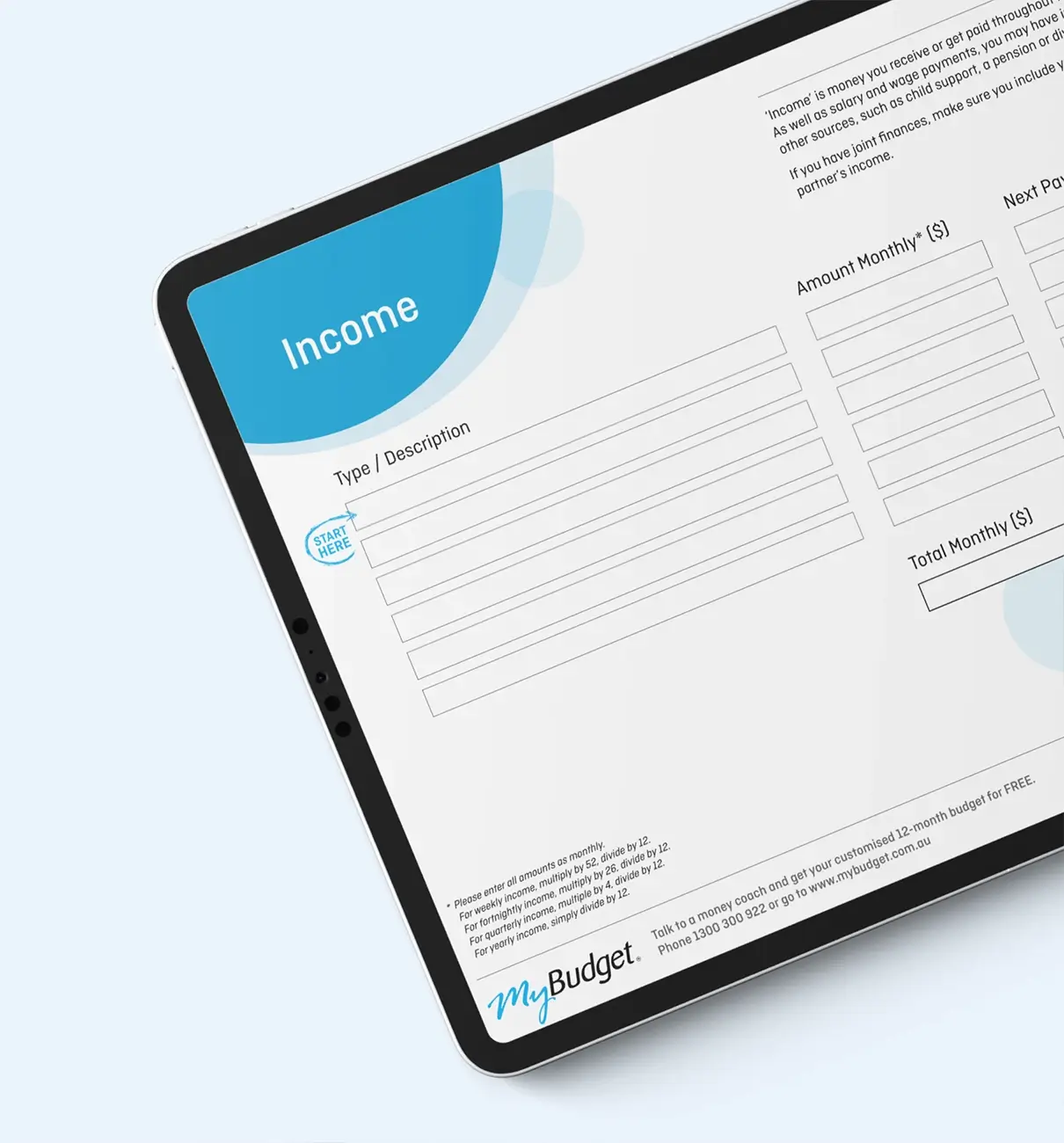
Try using the free Personal Budget Template. It helps you:
- Track subscriptions and automatic debits
- Separate essential spending from entertainment and lifestyle costs
- Plan for renewal dates and annual fees
- Build emergency savings and long-term goals
If you are paying for a meal-planning app, consider swapping it for our free Healthy Meals on a Budget Guide. It offers practical recipes and shopping tools without ongoing fees.
If managing subscriptions still feels overwhelming, MyBudget can step in. We automate bills, manage direct debits and help prevent forgotten subscriptions from slipping through the cracks.
We didn’t realise how many little expenses were creeping into our budget. Subscriptions we didn’t use anymore really added up. MyBudget helped us find those and cut back, which made a huge difference in our savings.
Erin, MyBudget Client
Automate subscription payments and avoid surprise renewal fees
Calendar reminders are one of the simplest ways to avoid unwanted renewals. Setting alerts a few days before a subscription renews gives you time to decide whether to keep or cancel it.
To set this up:
- Add renewal dates to your phone calendar
- Use clear labels such as “Canva Pro renews, keep or cancel?”
- Review the reminder and take action
- Remove services you no longer want
This habit prevents accidental charges and keeps subscription management intentional.
Review your subscriptions regularly to avoid subscription creep
Review your subscriptions every three to six months. Needs change, routines shift and entertainment habits evolve. Regular reviews stop unused services from becoming permanent budget leaks.
Think of it as a seasonal reset for your digital life.
Why does managing subscriptions matter for your budget and long-term savings?
Managing subscriptions is important because unnecessary recurring charges reduce the money available for your savings, emergency fund and long-term goals. By cutting back on services you do not use, you free up money for the things that matter.
Every dollar you stop wasting is a dollar you can put towards:
- Your emergency savings
- A holiday fund
- Paying off debt
- Buying a new car
- School holidays
- Your cost-of-living buffer.
Small changes create big results over time.
How can MyBudget help me stop subscription creep and take control of my money?
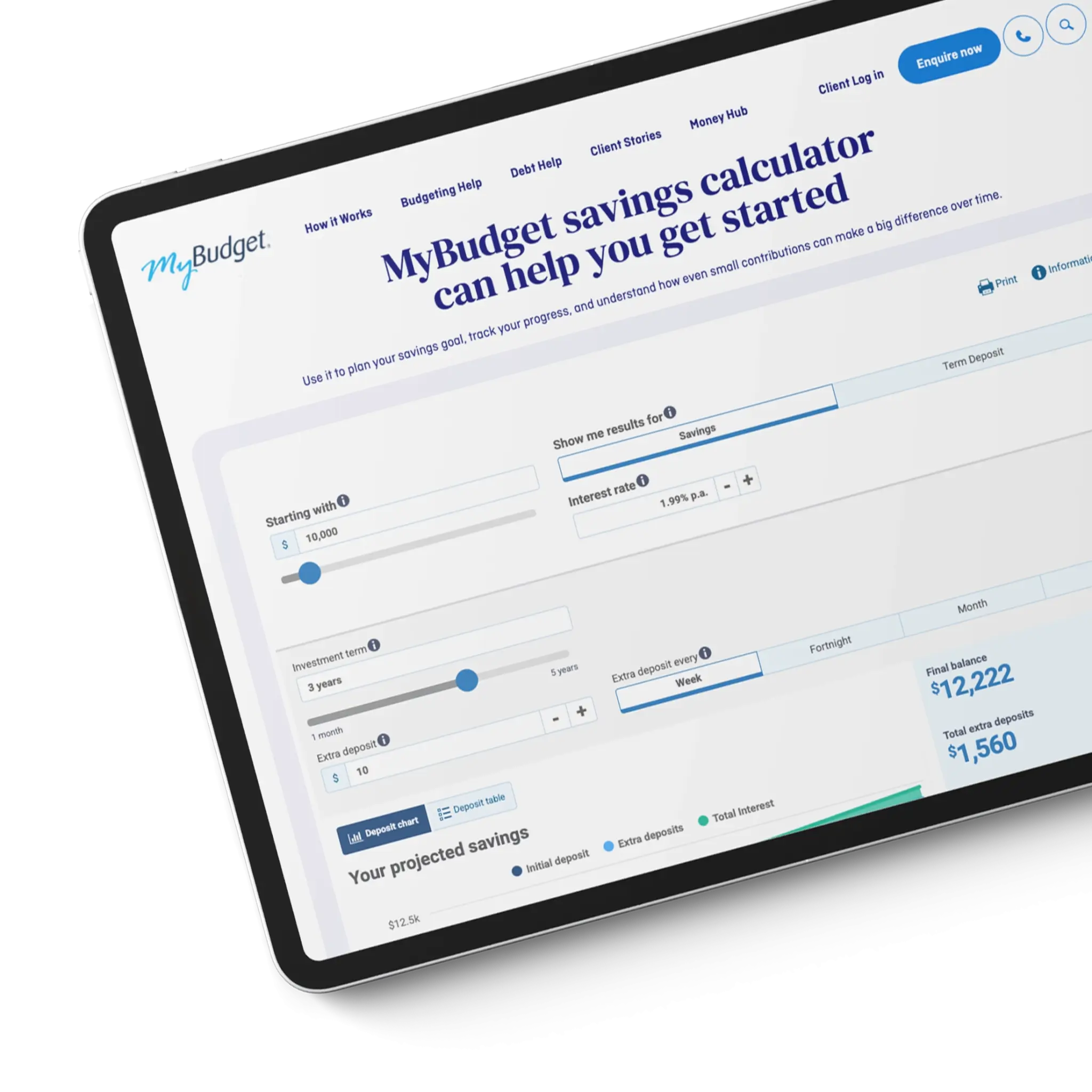
MyBudget can help you stop subscription creep by building a personalised budget, automating your bill payments, and tracking your expenses in one place. We help you stay ahead of recurring charges so your money supports your goals, not forgotten subscriptions.
Here is what MyBudget can do for you:
- Find all of your paid subscriptions
- Help you decide which ones to keep or cancel
- Create a personalised budget that reflects your goals
- Pay your bills on time
- Prevent unexpected subscription renewals
- Help you save for what matters most.
With over 25 years of experience and more than 130,000 Australians helped, we know how to take the stress out of money management.
Enquire online or call 1300 300 922 today.

Subscription FAQs
Can’t find what you’re looking for? See more FAQs…
No. Deleting an app does not cancel a subscription. You must cancel subscriptions through the App Store, Google Play, or the subscription service’s website to stop recurring charges.
Auditing your subscriptions every three to six months is ideal, or whenever your income, expenses or financial priorities change.
The easiest way to manage subscriptions is to track them in a personal budget and set calendar alerts before renewal dates, so you can cancel or downgrade subscriptions before charges occur.
Subscriptions affect cost of living by reducing disposable income and savings capacity. Small recurring charges add up over time, making it harder to build emergency savings or manage rising everyday expenses.
You can find subscriptions linked to your credit card or bank account by reviewing your statements for recurring charges, direct debits and automatic payments, then matching them to subscription services or apps you recognise.
Yes. MyBudget can help you manage subscriptions by identifying recurring charges, setting up a personalised budget, automating bill payments and helping redirect savings from subscriptions you cancel or downgrade. This helps reduce ongoing costs and supports your savings and long-term financial goals.
This article has been prepared for information purposes only, and does not constitute personal financial advice. The information has been prepared without taking into account your personal objectives, financial situation or needs. Before acting on any information in this article you should consider the appropriateness of the information having regard to your objectives, financial situation and needs.